

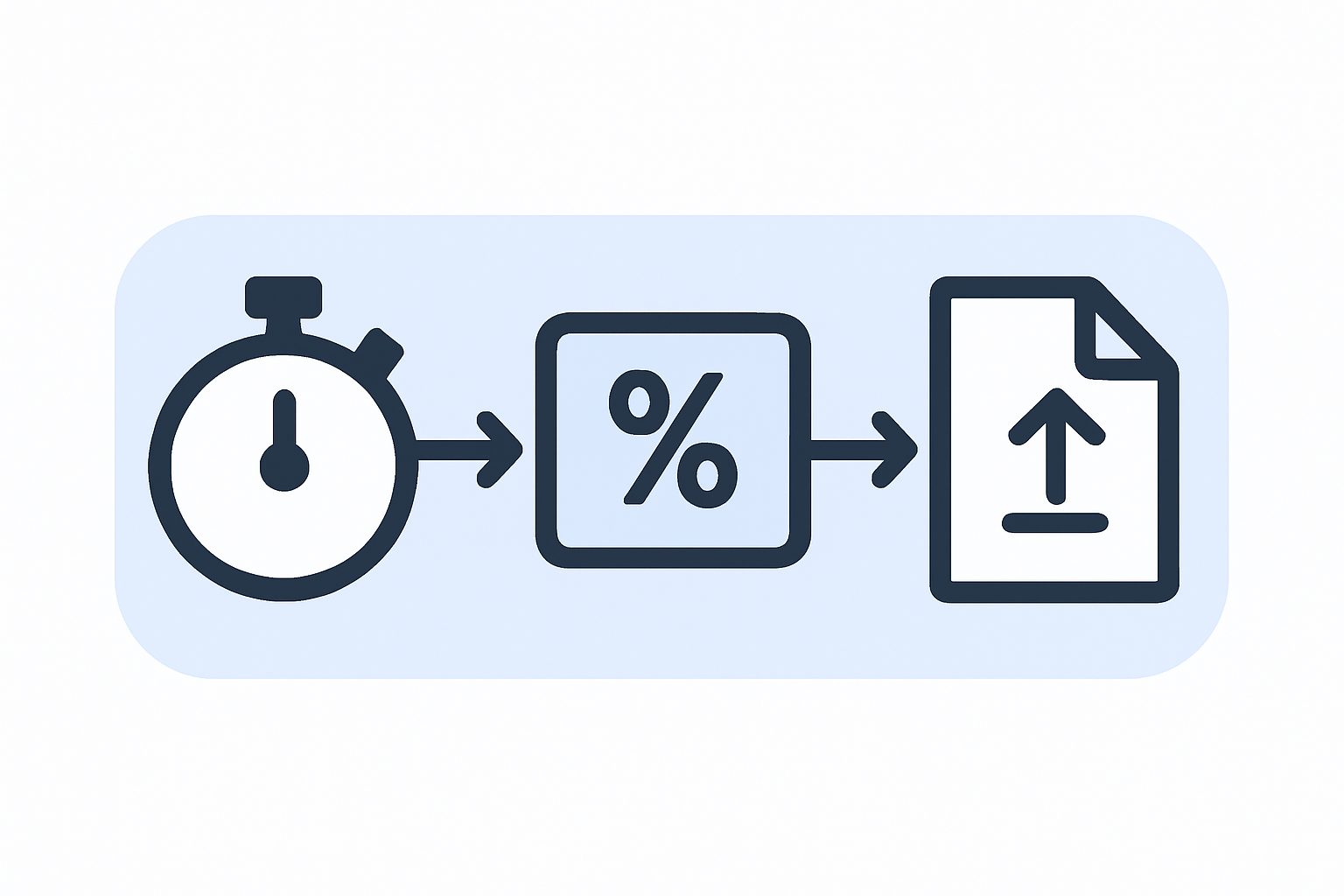
A client of ours sells a premium option alongside their standard service: pay a bit more, and the job gets fast-tracked. It’s a real feature, priced and offered to customers every day. What the business couldn’t do was prove it. Nobody could pull up a number and say what share of fast-tracked jobs actually finished inside the faster window, because nobody had ever built a clock for it.
Staff had a feel for it. Some weeks it seemed fine, other weeks it seemed slow, and that impression came from memory and spot-checking, not from anything the system tracked. If a customer complained that their fast-tracked job hadn’t been fast, there was no record to check them against, and no record to check the business against either.
Setting the stage
The fast-track option lived in the pricing and in the workflow, but “on time” wasn’t a field anywhere. A job either got done or it didn’t, and how long it took compared to the promise was something a person would have had to work out by hand, case by case, from timestamps scattered across the record.
That’s fine as an occasional exercise. It’s not fine as the basis for a compliance report, or for defending the price of the service if a customer or a manager asked whether it was worth it. Without a number, every conversation about whether fast-track was actually fast came down to whoever happened to remember the last few cases.
The tempting shortcut, and why we didn’t take it
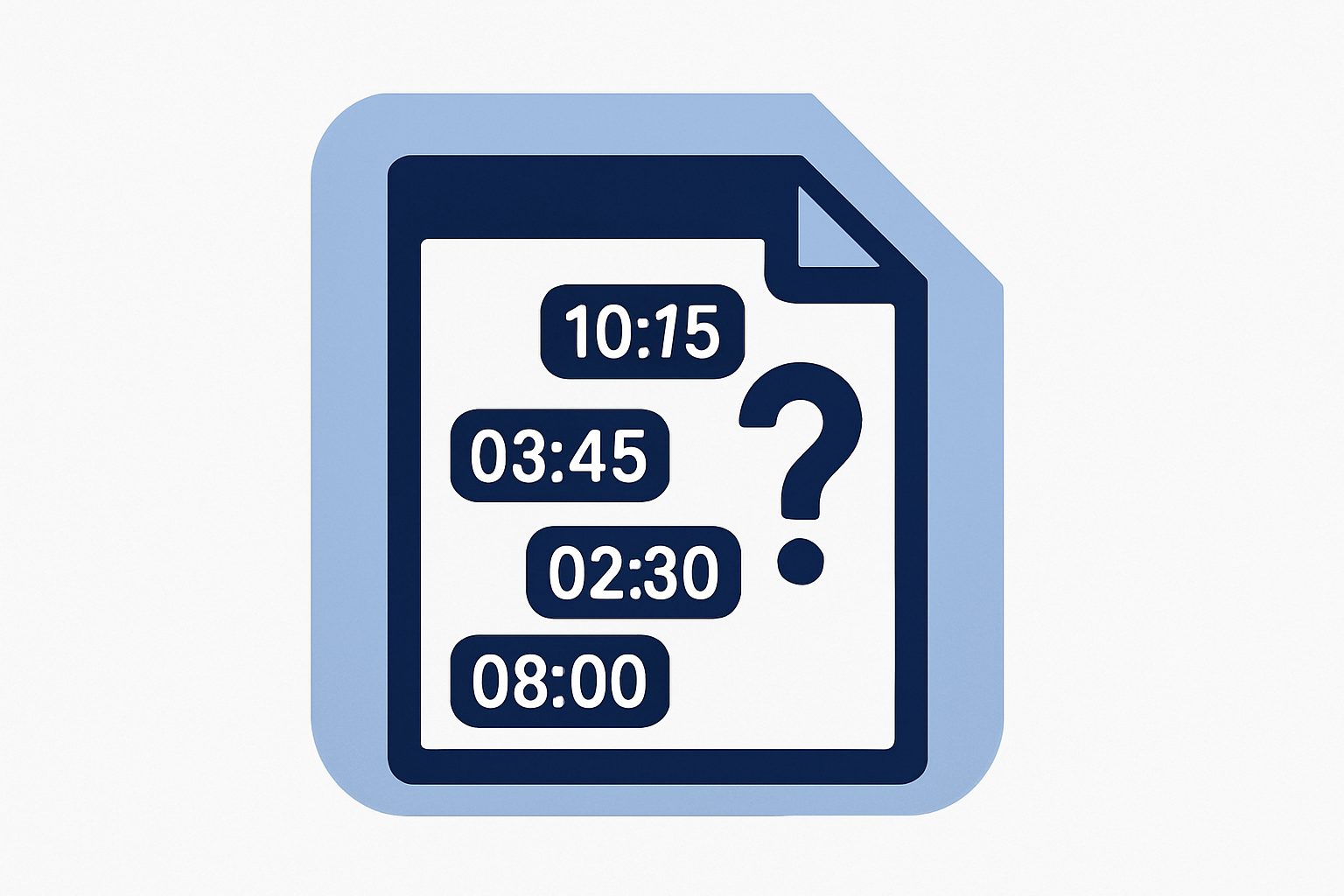
The obvious fix is a “time taken” column: subtract the date the job was created from the date it finished, and call that the answer. We didn’t do that, because creation date isn’t when the clock should start. A job can sit for a day before anyone’s actually working on it, and measuring from the moment it was created rather than the moment it was genuinely triggered would make some jobs look slower than they were and others look faster.
The other shortcut would have been to build this twice: a quick calculation for the dashboard stat now, and a more careful one for the compliance report later, whenever someone actually needed to produce it. That’s how you end up with a dashboard saying a job was on time and an export saying the same job was late, and once that happens once, nobody trusts either number again.
What we built
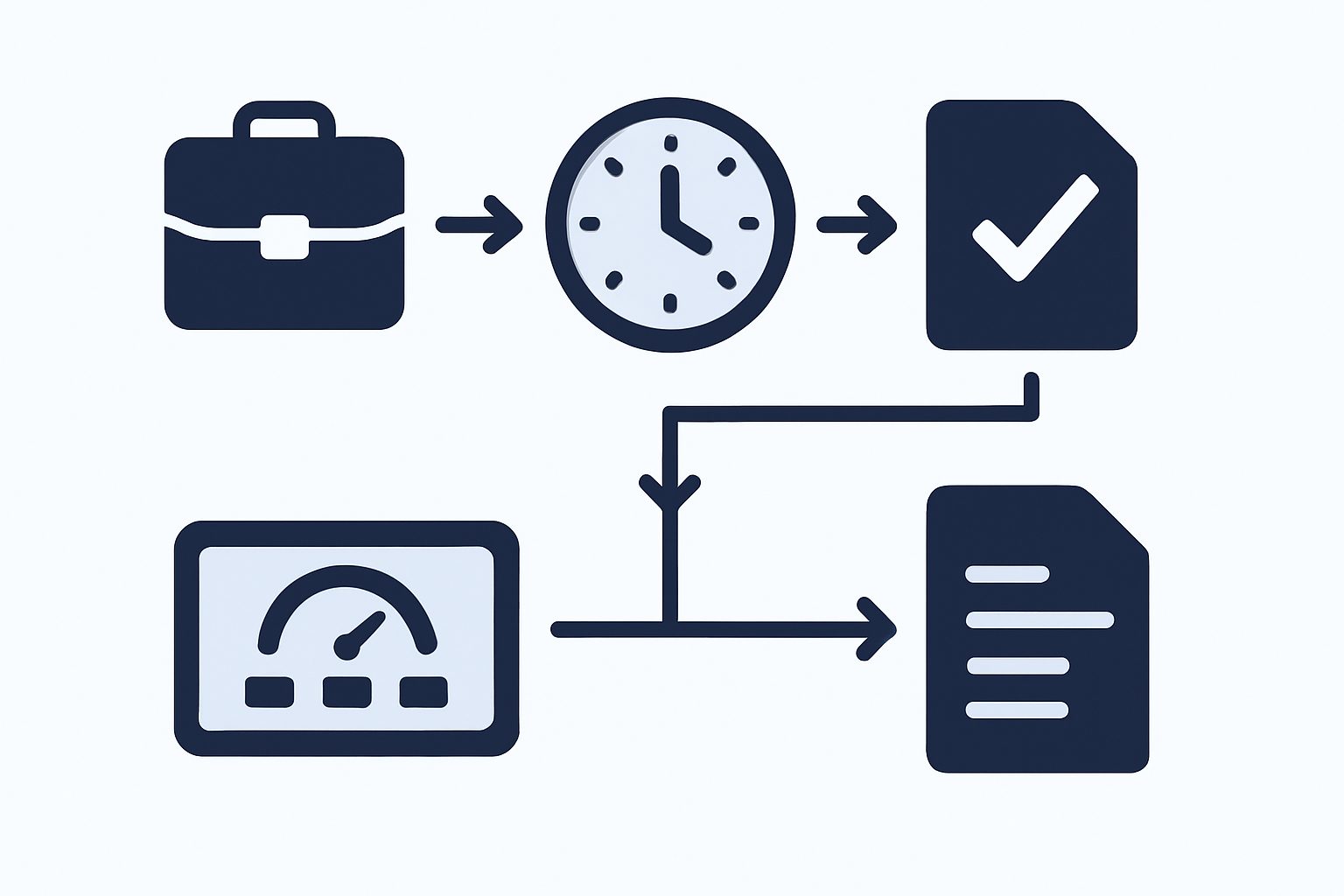
A clock that starts when the work actually starts. The fast-track countdown begins from the real trigger event for that job, not from whenever the record happened to be created. The number of days counted as “on time” is configurable, so it can be adjusted as the service itself changes rather than being hardcoded into the system.
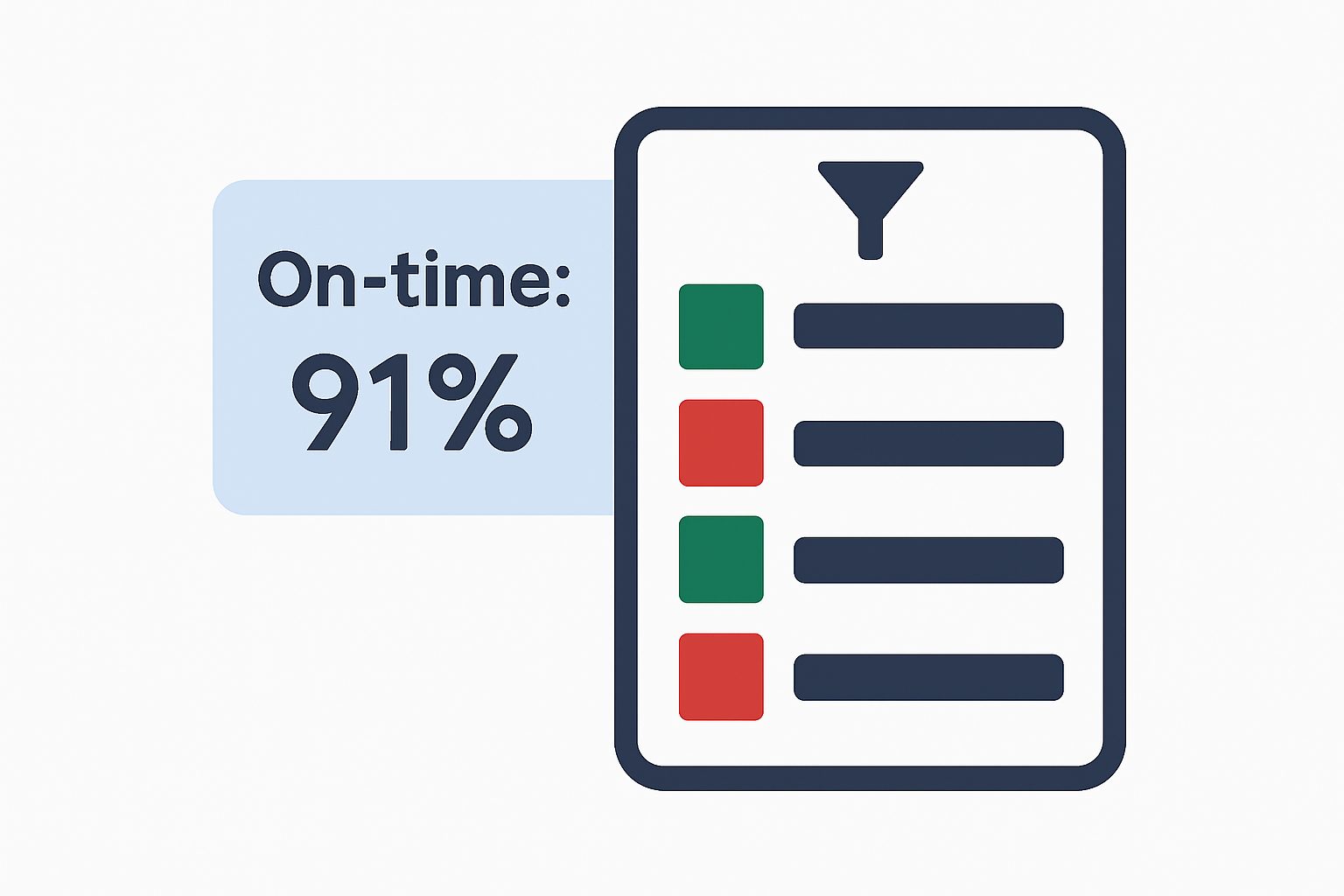
One rule, calculated once, used everywhere. The dashboard stat on the team’s home page, the filter that lets staff pull up just the fast-tracked jobs, and the compliance report used for audits and client conversations all read from the same underlying classification. There’s no second version of “on time” hiding somewhere else that could quietly disagree with the first.
A daily view and a filing-cabinet view of the same thing. Staff get a running stat and a filterable list for everyday use. Managers get an exportable report built from the exact same numbers, so a conversation that starts on the dashboard and ends in a spreadsheet is talking about the same jobs the whole way through.
Why this matters more than it sounds
A premium service that can’t prove it’s premium is just a price increase with a story attached. Once “on time” is a number the system produces automatically, the business can actually manage the service instead of guessing at it: catch a slow week early, defend the price with real figures, or find out the fast-track option isn’t as fast as it’s sold and fix that instead of hoping nobody asks.
Final thoughts
If your business sells a “faster” or “premium” tier of anything and the only evidence it’s actually faster is how people feel about it, that’s usually fixable with less work than it sounds like. The hard part isn’t the report. It’s agreeing on the one rule that decides what “on time” means, and then never calculating it any other way.
Ready to find out if your premium service is actually earning its premium?
If you’re selling a faster or better tier of something and can’t point to a number that proves it, we’re happy to talk through what it would take to build one.