
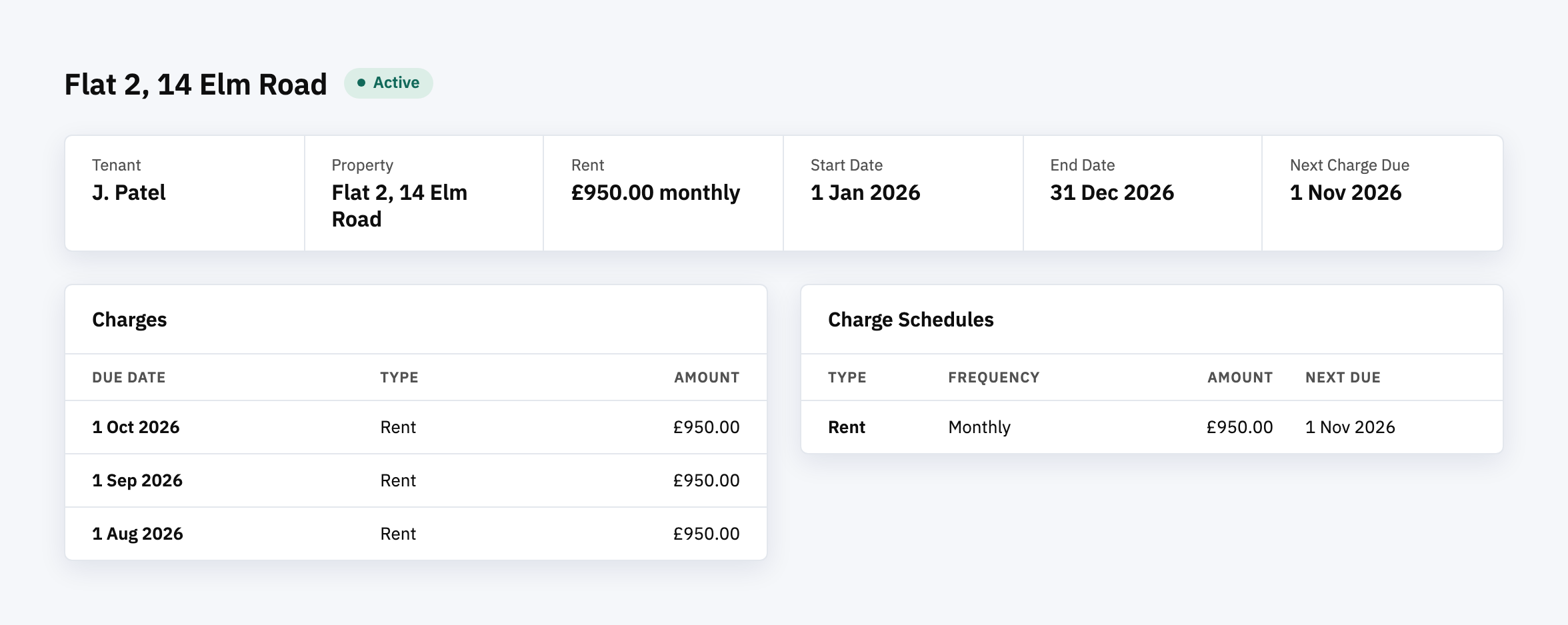
A lot of property software bills rent the same way. A job runs once a day, finds every lease with a charge due, creates the charge and moves the due date on to next month. It’s quiet and it works, right up until the day it runs twice.
It happens more easily than it sounds. The server restarts halfway through a run. Someone starts the job by hand to catch up while the scheduled one is already going. A lease ends and the schedule behind it keeps ticking. When the job is billing tenants, each of those can become a charge someone has to explain and refund.
So before any billing automation goes live, we ask one question of it: if this job runs twice, does it bill twice?
Setting the stage
Habitat is our property management system. It holds properties, leases and tenants, and each lease can carry a charge schedule. Every day, one job turns due schedules into charges, and a second job straight after groups those charges into invoices.
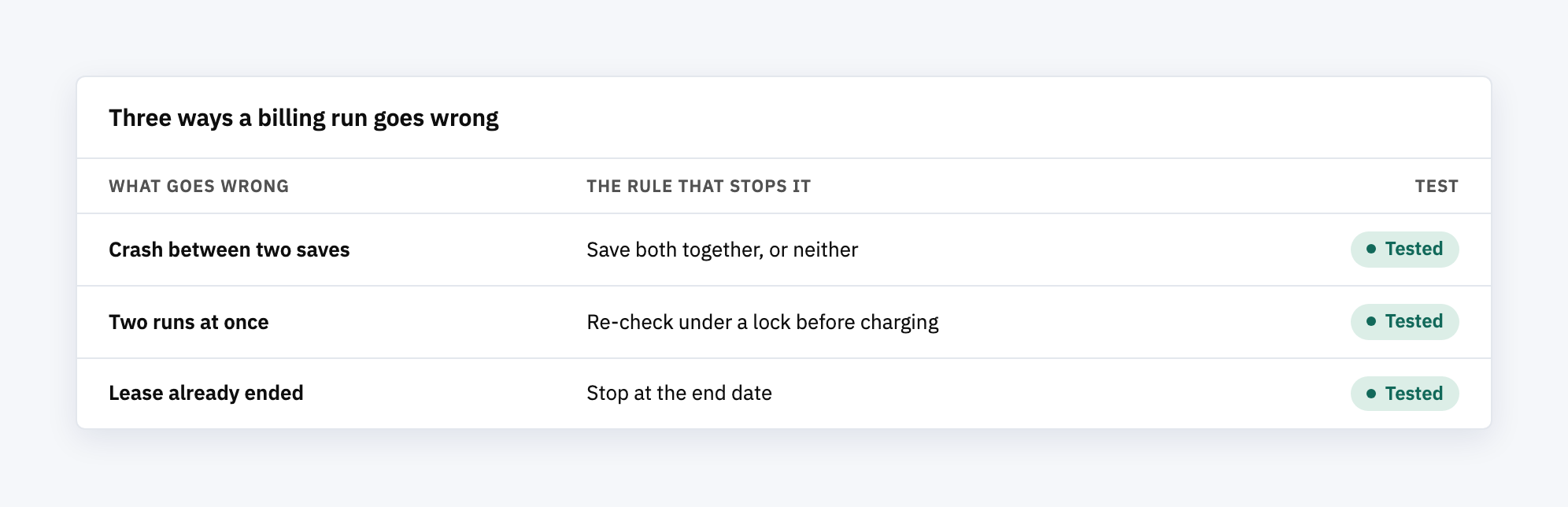
While Habitat was being built, the independent review that every change goes through before it’s merged flagged three problems in that charge job. Two were ways to bill the same month twice. The third was a way to keep billing after a tenancy had ended. All three were found before Habitat had a single real tenant, so nobody was ever charged wrongly. This post is about how each one could have happened and what stops it now.
The easy version of this fix would have been wrong
The obvious fix for a job that might run twice is to stop it running twice. Most schedulers have a “don’t overlap” setting, and switching it on takes one line.
We looked at it and decided against it. That setting only stops the scheduler from colliding with itself. A person running the job by hand never checks it, so that race stays open. Worse, if the server dies mid-run, the “already running” marker can be left behind for up to a day, and the next day’s run quietly skips. You’d swap a duplicate charge for a missing one, which is harder to spot because nobody complains about rent they weren’t billed.
Cleaning up duplicates afterwards is no better. By the time a script finds them, the tenant may already have the invoice.
So the question changed from “how do we stop it running twice” to “how do we make running twice harmless”.
What we built
Each of these came with a test that fails against the old code.
- A charge and its next due date are saved together, or not at all. Before, they were two separate saves. If the job crashed between them, the charge existed but the schedule still looked due, and the next run charged again. Now each schedule is handled as one unit. A crash undoes the half-finished work, the schedule stays due, and the retry creates exactly one charge. One schedule failing doesn’t hold up the rest of the run.
- Each schedule is re-checked under a lock before it’s charged. The job’s first list of due schedules is now only a list of candidates. Just before charging, it re-reads the schedule and locks it. If another run got there first, the due date has already moved on, so this run skips it and records the skip. That covers a manual run racing the scheduled one, which the “don’t overlap” setting wouldn’t.
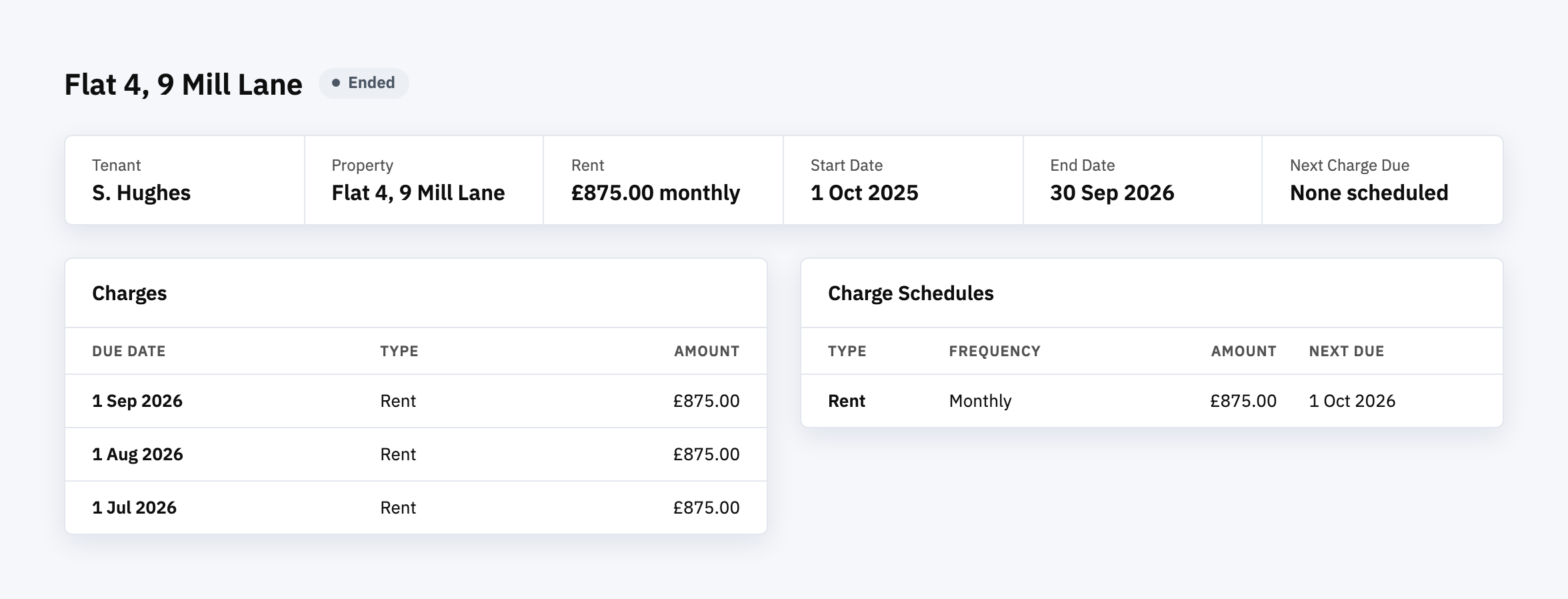
- Charges stop at the lease end date. A charge due on the end date is still billed, because the lease is active that day. Anything after it isn’t. The lease page also stops showing a “next charge due” date that falls after the lease ends.
- Invoices follow the same rule. Creating an invoice and attaching its charges now happen in one step too. Before, a crash could leave an empty invoice behind, and the next run would put the same charges on a second one.
Why this matters more than it sounds
A duplicate rent charge is easy to refund and hard to explain. The tenant contacts the agent, the agent contacts whoever runs the software, and a morning goes on working out which charge is the real one.
These bugs also hide well. A daily job that runs at a quiet hour almost never crashes or overlaps, so trying it out the normal way shows nothing wrong. The tests behind these fixes force the bad timing on purpose. One makes the job fail in the gap between the two saves. Another starts a second run while the first is still part-way through its list and checks that only one charge comes out.
Final thoughts
Any scheduled job will eventually crash halfway or run twice. The useful question to ask of billing automation, ours or anyone else’s, is what happens when it does. If the honest answer is “it charges again”, that’s worth fixing before the first real tenant rather than after.
Ready to see it working?
Habitat is live, and you can register for a demo account at habitat.moonfive.co.uk to set up a lease and its charge schedule for yourself.