

Most businesses that sell more than one kind of work have a few jobs that look almost identical every time. The same notes go at the top. The same terms go at the bottom. The same three or four line items get added in the same order.
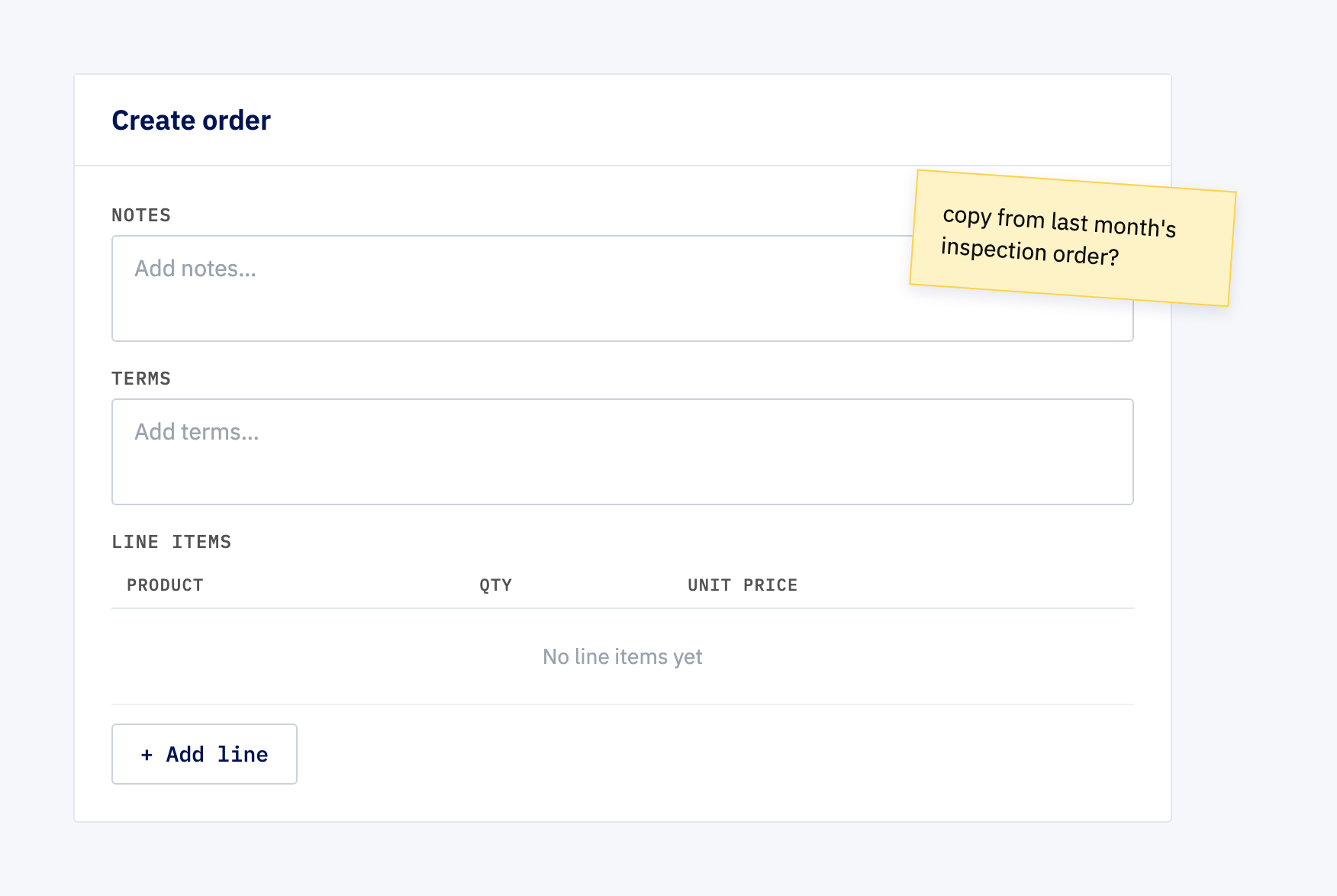
On one system we work on, every new order still started from an empty form. The salesperson typed it all out again, from memory or by copying an old order, and the next salesperson did it slightly differently.
Setting the stage
The system only knew about one kind of order. Inspection work and training work went through exactly the same blank screen as everything else, so the knowledge of what an inspection order should contain lived in people’s heads rather than in the system.
That causes two problems. The obvious one is time: retyping the same content is dull and easy to get wrong. The less obvious one is drift. When five people each build “the usual” order from memory, you end up with five versions of the usual, and the customer sees whichever one they happened to get.
There was also no way for the business to add a new kind of work without asking a developer.
The easy version of this fix would have been wrong
The quick answer would be to hard-code an “Inspection” button that drops in some fixed text. It works until the business wants a fourth kind of order, or wants to change the standard terms, and then it’s back in the developer queue.
The other trap is subtler. If an order stays linked to its template, then editing the template later quietly rewrites every order that was ever built from it. An order that went to a customer in March should still say what it said in March.
So we made two decisions early:
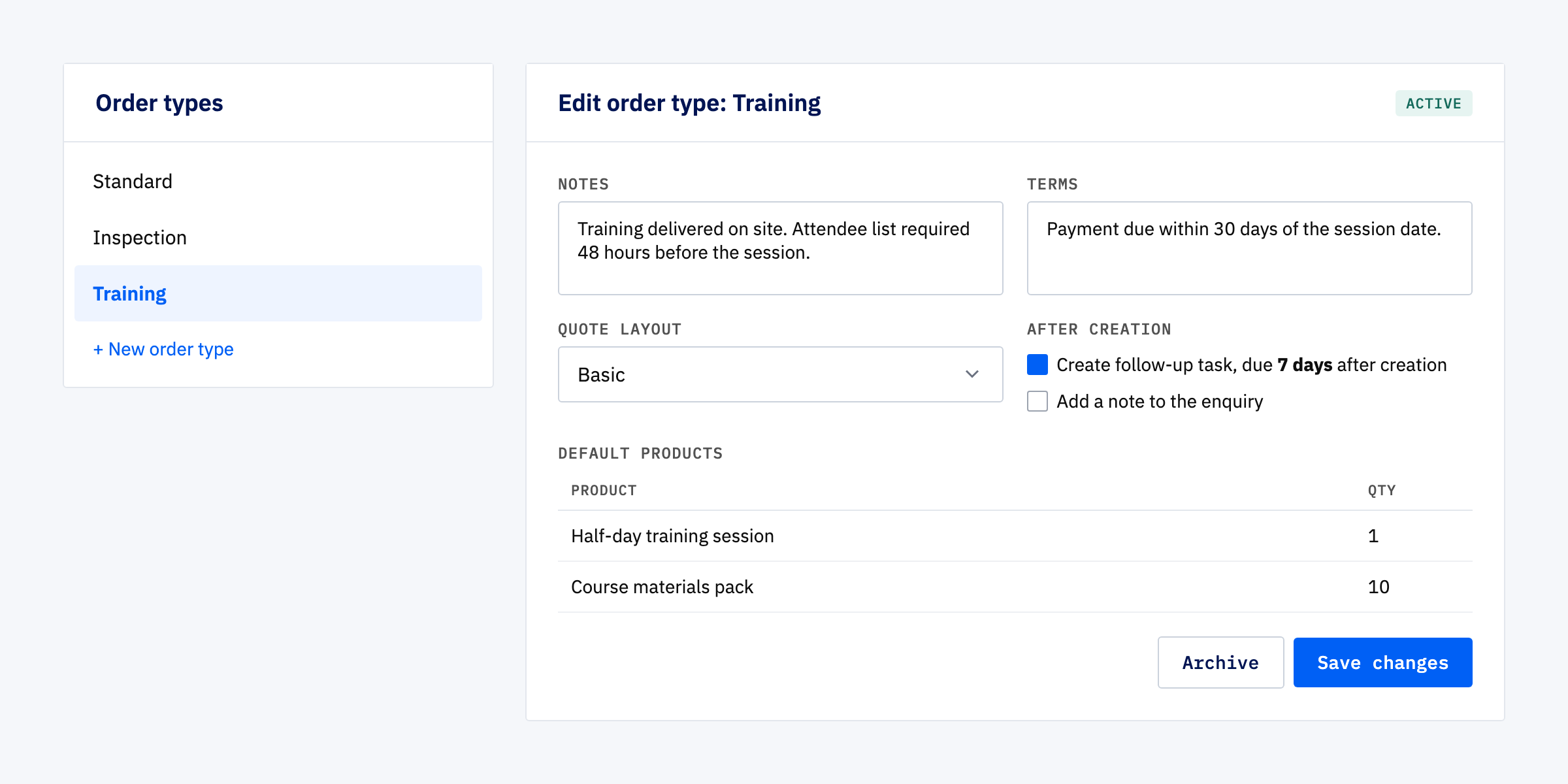
- The business owns the list of order types. Admins create, edit and archive them from a settings screen. It started with Standard, Inspection and Training, but nothing stops a fourth.
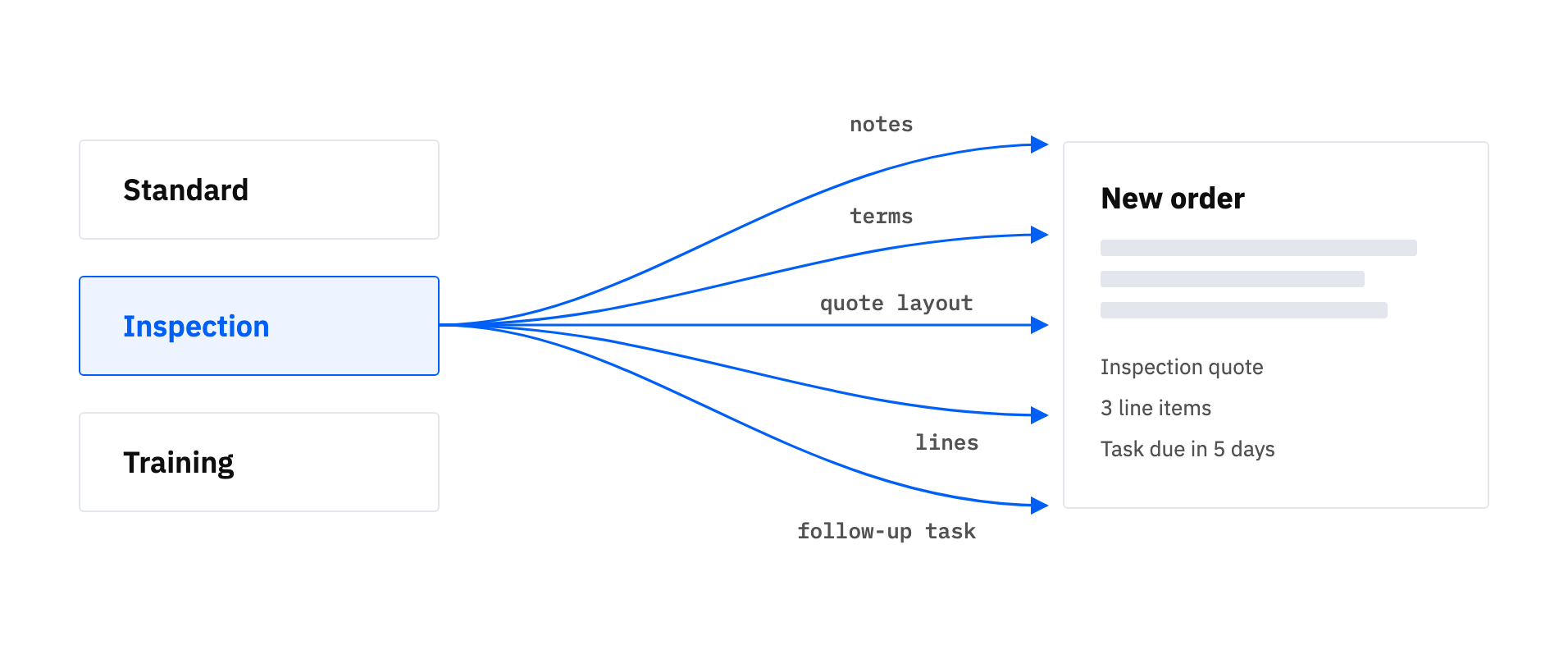
- Defaults are copied, not linked. When an order is created, the type’s notes, terms and lines are copied onto it. After that, the order belongs to itself. Changing the type only affects orders created from then on.
What we built
Each order type can carry:
- Notes and terms. The standard wording for that kind of job, pre-filled on every new order.
- A quote layout. The right quote document for the type, so an inspection order produces an inspection-style quote without anyone having to pick it.
- Default products. Standard line items with quantities, added exactly as if someone had picked them from the product catalogue by hand.
- Follow-up actions. Things that should happen once the order exists. Two are available so far: a note on the original enquiry, and a follow-up task due a set number of days later.
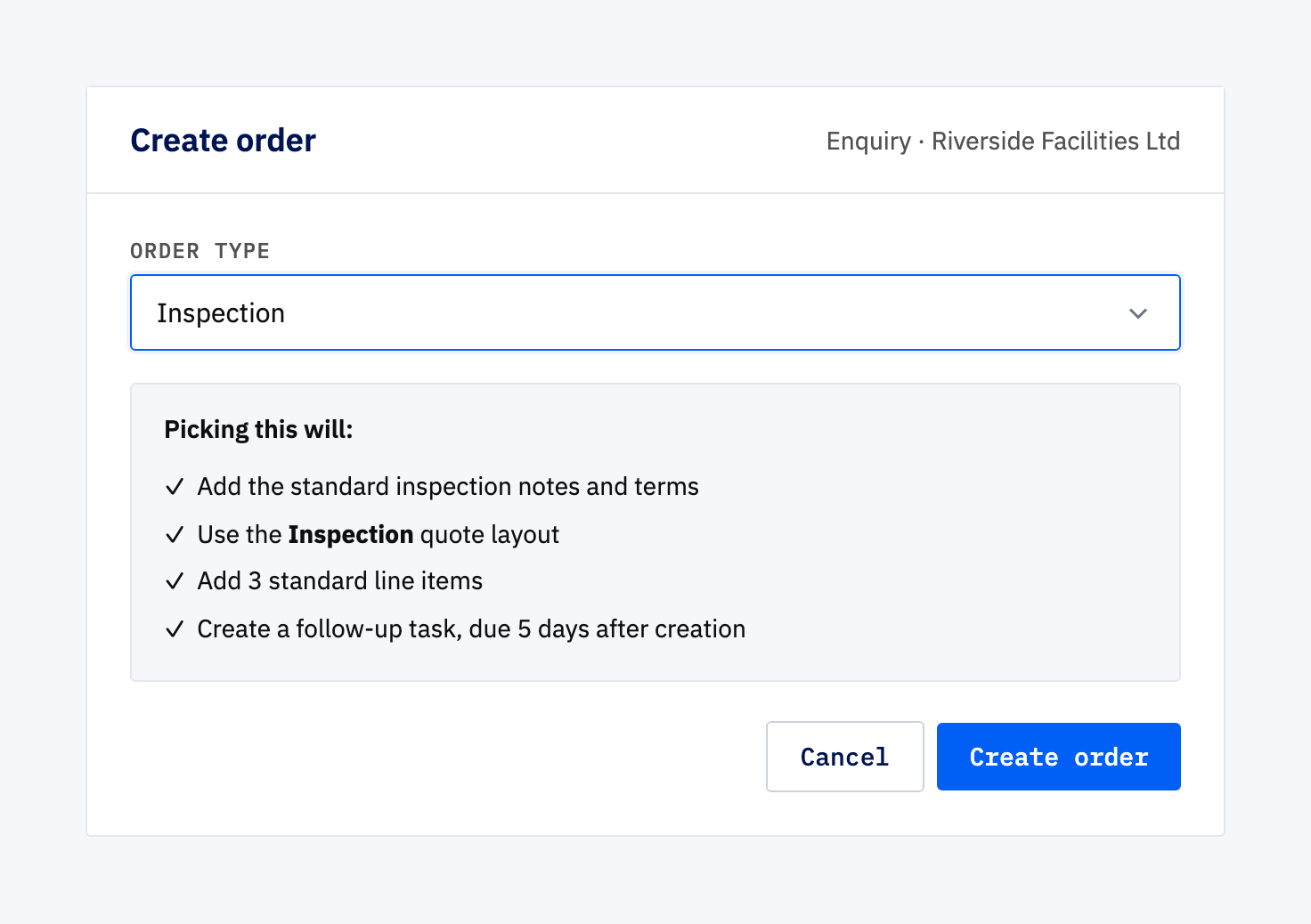
When someone creates an order, they pick the type from a simple dropdown. The first version used a full searchable table, which was overkill for a list that’s only ever expected to hold around fifteen entries, so we swapped it out.
Under the dropdown sits a short summary of what picking that type will actually do. It’s generated from the type’s real settings rather than a description someone typed in, so it can’t fall out of date when an admin changes the type.
Every existing order was set to Standard as part of the change. Nothing old was left without a type, and nothing about those orders changed.
Why this matters more than it sounds
The feature itself is modest. What changes is where the knowledge lives. “What an inspection order looks like” used to be something the experienced salespeople carried around. Now it’s a setting anyone can look at and change in one place.
The follow-up actions matter for the same reason. If every training order should be chased a week later, that’s a rule of the business, and it shouldn’t depend on someone remembering to set a reminder.
Adding a new kind of follow-up action later is also a contained piece of work, because the actions plug into a common pattern rather than being wired into the order screen one at a time.
Final thoughts
We haven’t measured how much typing this saves, and we’d be guessing if we put a number on it. The clearer win is consistency: two people creating the same kind of order now start from the same place.
If your team has a “usual” order that everyone builds slightly differently, that’s usually a sign the system should be holding the template, and the business should be the one editing it.
Ready to stop retyping the same orders?
If the same job gets set up by hand again and again, the fix usually isn’t a faster form. It’s letting the business define the job once and having the system apply it every time.