
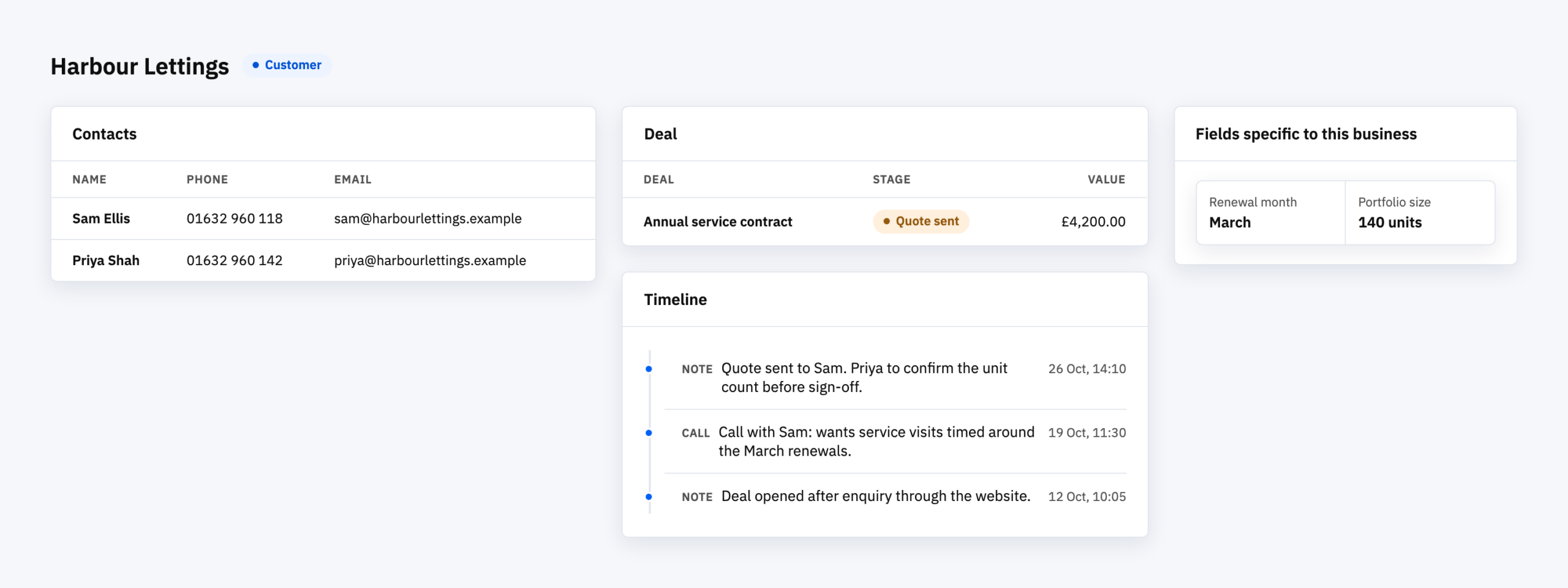
A custom CRM is customer-tracking software written for one business, rather than a product you subscribe to and configure. It does the same core jobs as any CRM: it keeps contacts and companies, shows where each deal sits in your sales process, records what has happened, and reminds you what to do next. The difference is that you decide what it records and how it behaves, and nobody else’s roadmap gets a say.
That is a bigger commitment than a subscription, so the honest first question is whether you need one.
What every CRM has to do
When we compared eight small-business CRMs earlier this year, looking at the cheapest paid tier of each, the same basics turned up everywhere. All eight had contact and company records, a pipeline with stages, activity and task logging, and reminders on follow-ups. Seven of the eight had some form of dashboard or report.
So a custom CRM isn’t a different kind of thing. It has to cover that same ground, and a build that skips it ends up looking like an unfinished version of the cheap products it is competing with. The reason to build is to add what the off-the-shelf ones can’t.
Where off-the-shelf stops
In the same comparison, the things most often held back for a higher tier or left shallow were the ones that vary most between businesses:
- More than one pipeline. Several of the tools allowed one pipeline at the entry level and charged to go beyond it.
- Real workflow automation. Gated or deliberately basic in every tool we looked at.
- Fine-grained permissions. Often a fixed set of roles you can’t change.
If your business has two different sales processes, or approvals that depend on who the customer is, you meet those limits quickly. That’s usually the moment a custom build comes up.
The test we’d use before building
Build a custom CRM when your process is part of what makes the business work, and every product you try forces you to bend it. Don’t build one because the monthly fee has started to irritate you.
A few questions help:
- Can you describe your sales or account process on one page? If you can’t, the problem is the process, and software won’t fix it.
- Have you trialled a standard CRM against your real work? The gaps you find on a real trial are your specification.
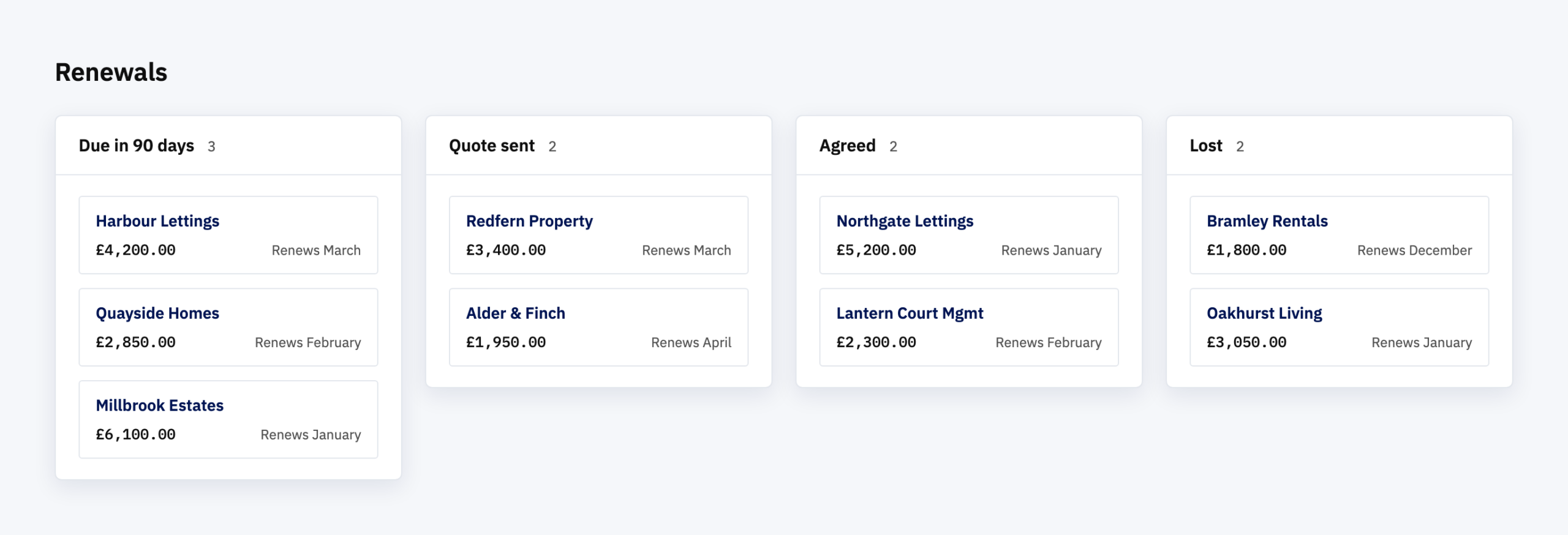
- Does the information you need to record go beyond contact details and notes, such as renewal months, portfolio sizes or approval steps?
What a good build starts with
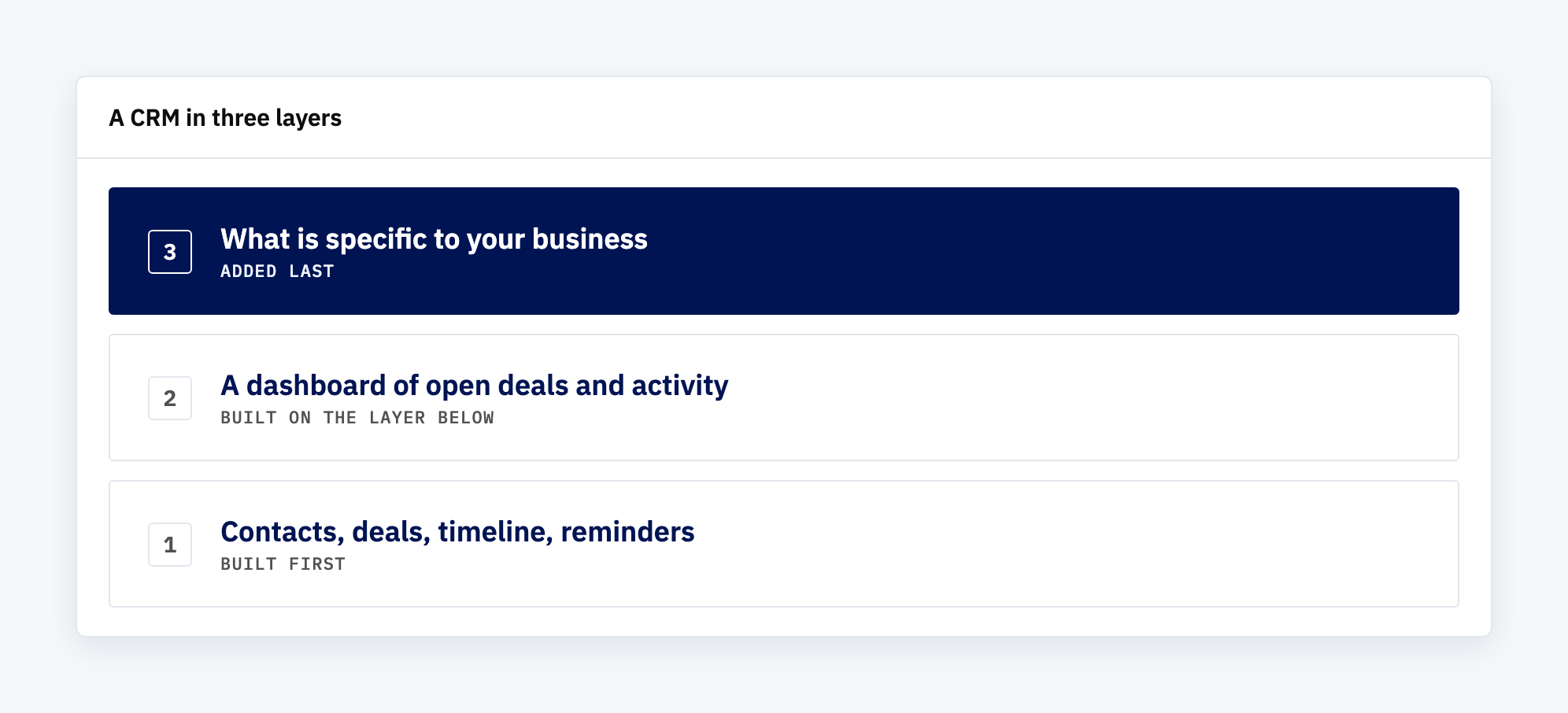
The sensible shape is a small first version that does the core jobs well, then grows. Contacts, a pipeline, a timeline of what has happened, and reminders on what’s next, then the fields and rules that are specific to you.
That’s also how we built our own CRM, Voyager. It began with contacts and companies, deals moving through stages, notes on a deal’s timeline and reminders on tasks, with a dashboard of open deals and activity added alongside. Anything specific to a customer’s business comes after that foundation is solid, not before it.
Where that leaves the question
Custom CRM development is the right answer to a narrow question: what do you do when your process is the point and standard tools won’t hold it? For everyone else a standard CRM is cheaper and faster. If you aren’t sure which you are, try a standard one against your real work first. What it can’t do is exactly what a custom build would need to.
Ready to find out whether you need your own CRM?
Most businesses are somewhere between a spreadsheet and a system built around them. If you’d like to talk through which parts of your process a standard tool would struggle with, we’re happy to.