
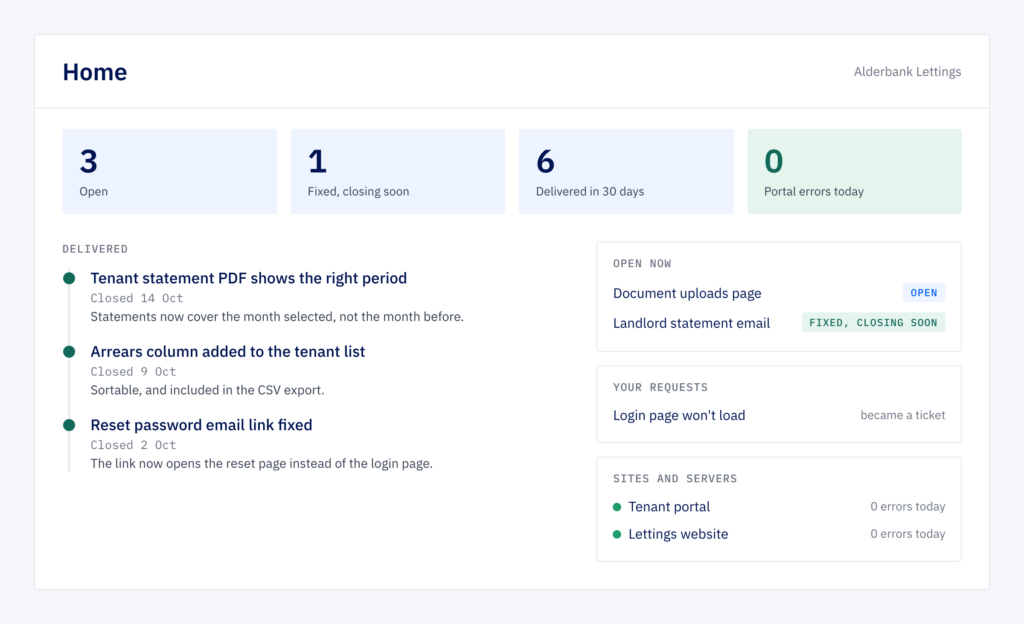
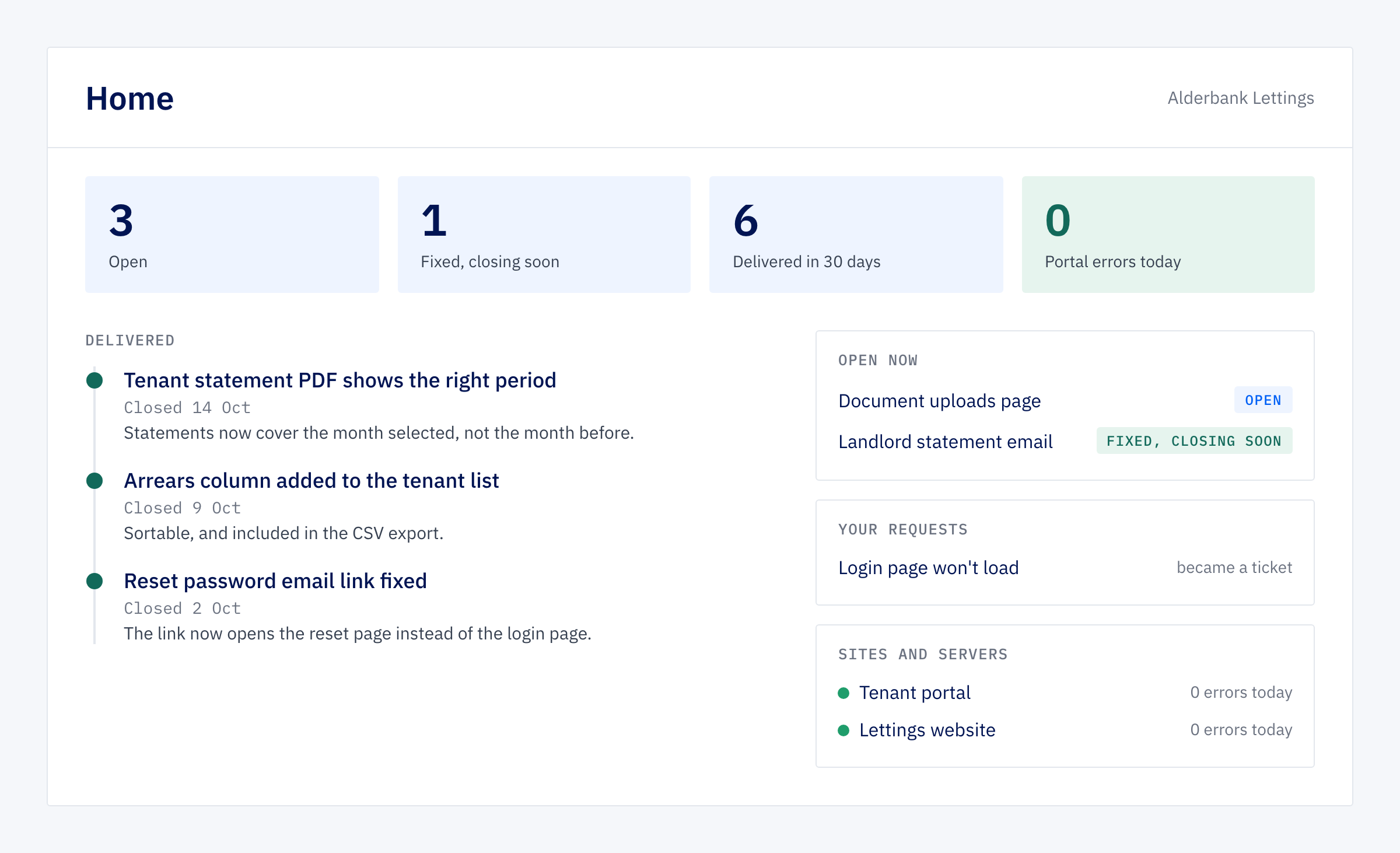
When a client signs in to our portal, the first page tells them where things stand. It shows what’s open, what we’ve fixed that is about to close, and what we delivered in the last month, with a note on each item saying what changed. Any requests they’ve sent are there too, with where each one ended up, along with whether their sites and servers are healthy.
That page is short on purpose. Most of October went into taking things out of the portal around it.
A portal built for two audiences at once
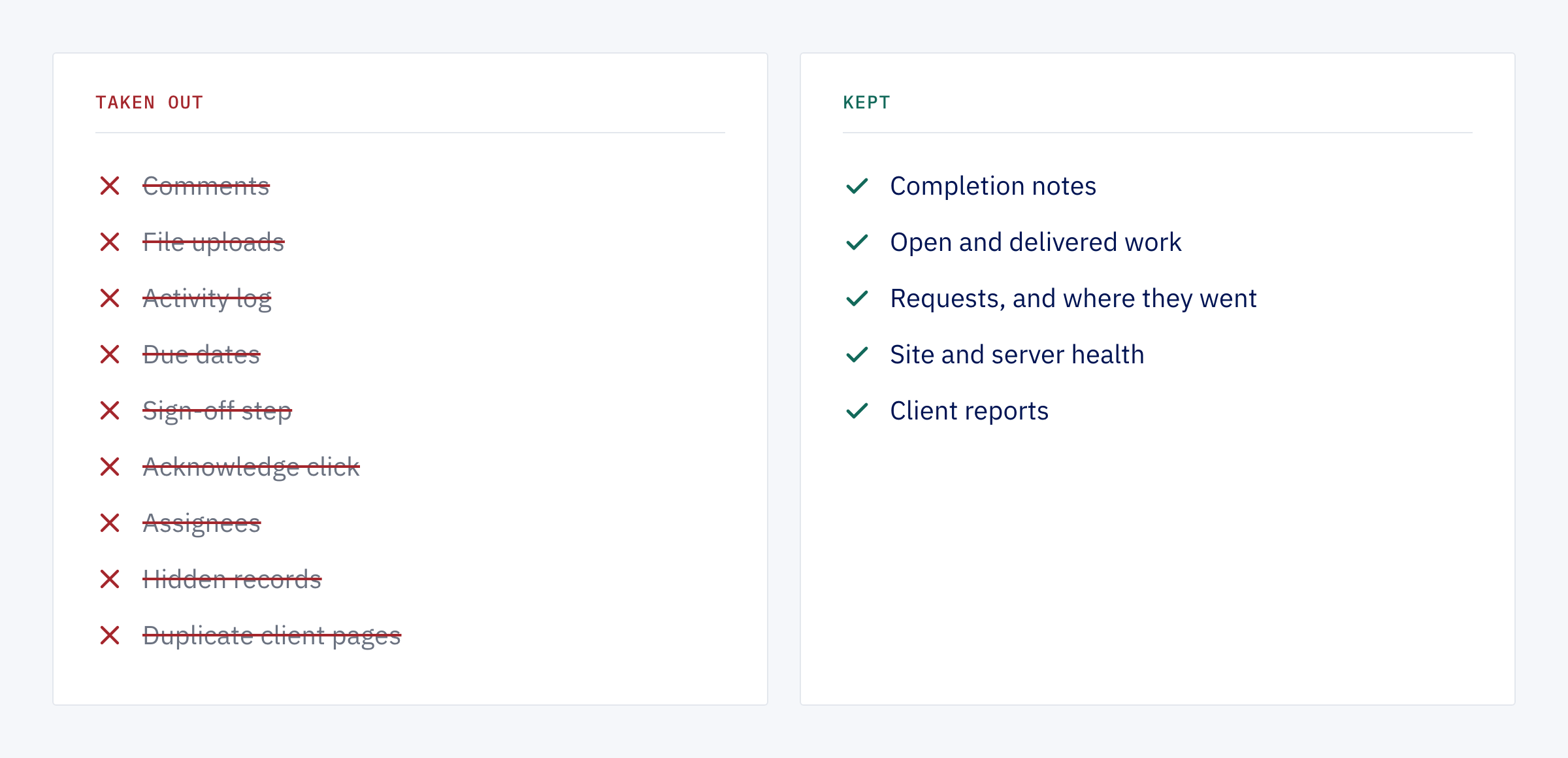
The portal started as our own tool for running client work, and it still is: most of the people using it day to day are us. Over time it had grown a staff version and a separate client version of the same tickets and projects, so most features had been built twice. It also carried assignees, status labels, a sign-off step, comment threads, file uploads, activity logs, due dates, Slack alerts and a weekly management email.
Each of those made sense when it went in. Then the way we work changed. Development work is now tracked and reviewed in our development tracker, and the portal records the outcome: what was asked for, and what was done. A lot of the portal’s features had become steps nobody took.
Keep what is still used
Before removing anything, we measured. We counted how often each feature had been used in the previous 90 days, reading the live data without changing it. The rule was simple: a feature stays if people still use it.
The counts made most decisions for us. In three months there had been one comment on a project, and none from a client. Ticket assignment had stopped in early September. One filter for “active” tasks returned 31 when only 4 were unfinished, because for tasks “active” meant “not yet signed off” rather than “not done”.
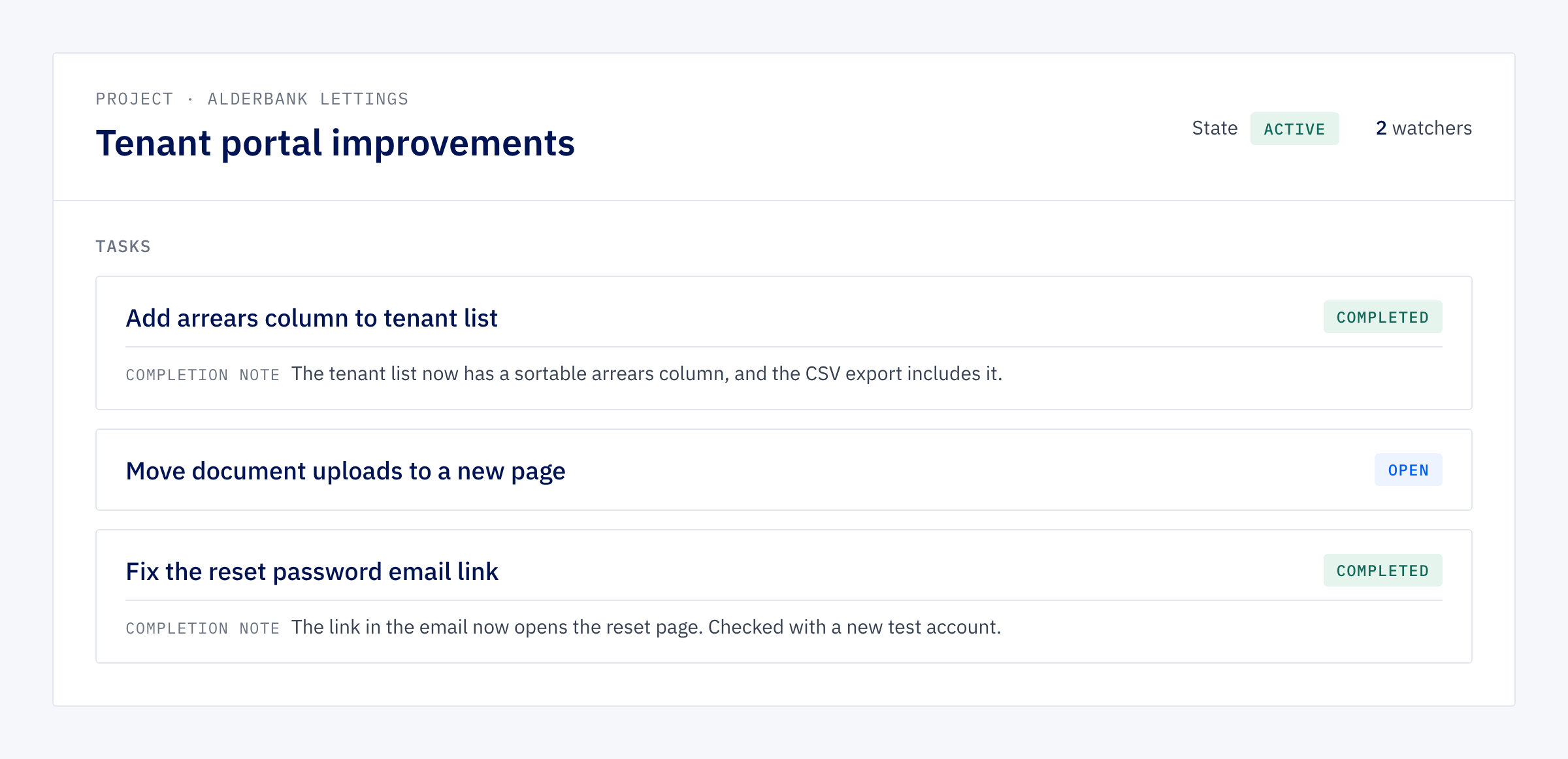
So comments, file uploads, completion screenshots, activity logs and due dates aren’t on the pages clients use any more. Conversations about the work happen where the work is tracked. Assignees went. The sign-off step became a written completion note, which the portal keeps for every finished item. Tickets no longer wait for an “acknowledge” click before they can close. The separate status label gave way to the one state the system already tracked, so “active” now means what people expect.
One set of pages for everyone
The bigger change was structural. Staff and clients now look at the same pages. A client sees their own work, and we see the same view with a few staff-only panels added. A toggle shows us exactly what a client member would see, and before launch we added a way for us to sign in as a client member, with a banner and a button back. We could check the client’s view directly instead of guessing at it.
We also removed the “client visible” switch. Before, any ticket or project could be hidden from the client, and clients only saw the items they were watching. Now every member of a client can see all of that client’s tickets and projects. The records that had been hidden were old internal ones, and we deleted them.
That meant deleting data on a live system, so the clean-up ran as a tested command that does a dry run by default. The dry run lists, table by table, what it would delete and which links it would clear, and changes nothing. We took a backup, archived the stored files, ran the dry run and then the real thing. The real run matched the dry run line for line, and a second dry run afterwards found nothing left.
What a client gets now
- Home. Four headline figures, a timeline of what was delivered in the last 30 days with its completion notes, open work with a badge (“Open” or “Fixed, closing soon”) taken from the development work behind it, their requests, and their sites and servers with health, today’s errors and a 30-day trend.
- Tickets. Every ticket for their company, open and closed.
- Projects. Each project with its tasks inside it, instead of tasks on a separate page.
- Requests. The public request form stays, so anyone at a client can report a problem without needing an account.
- Reports. Client reports and their shareable link stayed as they were.
Fewer places to look
With one set of pages instead of two, every improvement we make reaches staff and clients at once. A fix to the ticket page is one fix, not two that can drift apart.
It also made the portal’s new look a single job. We moved it onto our current design system in the same push, and with the duplicate pages gone there was far less to restyle.
Measure first, then take things out
Clients have had the new portal since mid-October. We take the same approach to the systems we build for them: when a screen feels crowded, the first step is to count what gets used, not to redesign around everything that’s there.
Ready to see where your work stands?
If finding out what’s happening with your software means chasing someone for an update, a single page that shows what’s open and what’s done will save you the chase.